Change a carrier’s status
Move a carrier between statuses to reflect its real availability — for example, marking it Out for Repair when it needs a fix, or back to Available when it’s ready to lend again. Status controls appear on the carrier’s detail page. Setting Out for Repair and archiving are Library Owner or Org Admin actions; reserving and releasing a carrier is open to any assigned user.
A carrier is always in exactly one status: Available, On loan, Out for Repair, Reserved, or Archived. This page covers the statuses you set by hand. On loan is set by checking a carrier out and cleared by checking it in.
Steps
1. Open the carrier
Open the carrier’s detail page from your inventory. The available actions depend on the carrier’s current status.
2. Set Out for Repair
When a carrier needs repair, choose Set Out for Repair. A repair note is required — describe the issue (for example, “Ring damaged, sent to repair person”). The carrier becomes unavailable and can’t be loaned or reserved until it’s marked Available again. Setting Out for Repair is done by a Library Owner or above.
3. Mark Available again
While a carrier is Out for Repair, choose Mark Available to return it to inventory once the repair is done.
4. Reserve a carrier
From an Available carrier, choose Reserve to hold it for a specific caregiver, with an optional pickup date. Reserved holds expire after the library’s hold window (14 days by default) and return to Available automatically. See Reserve a carrier.
5. Archive a carrier
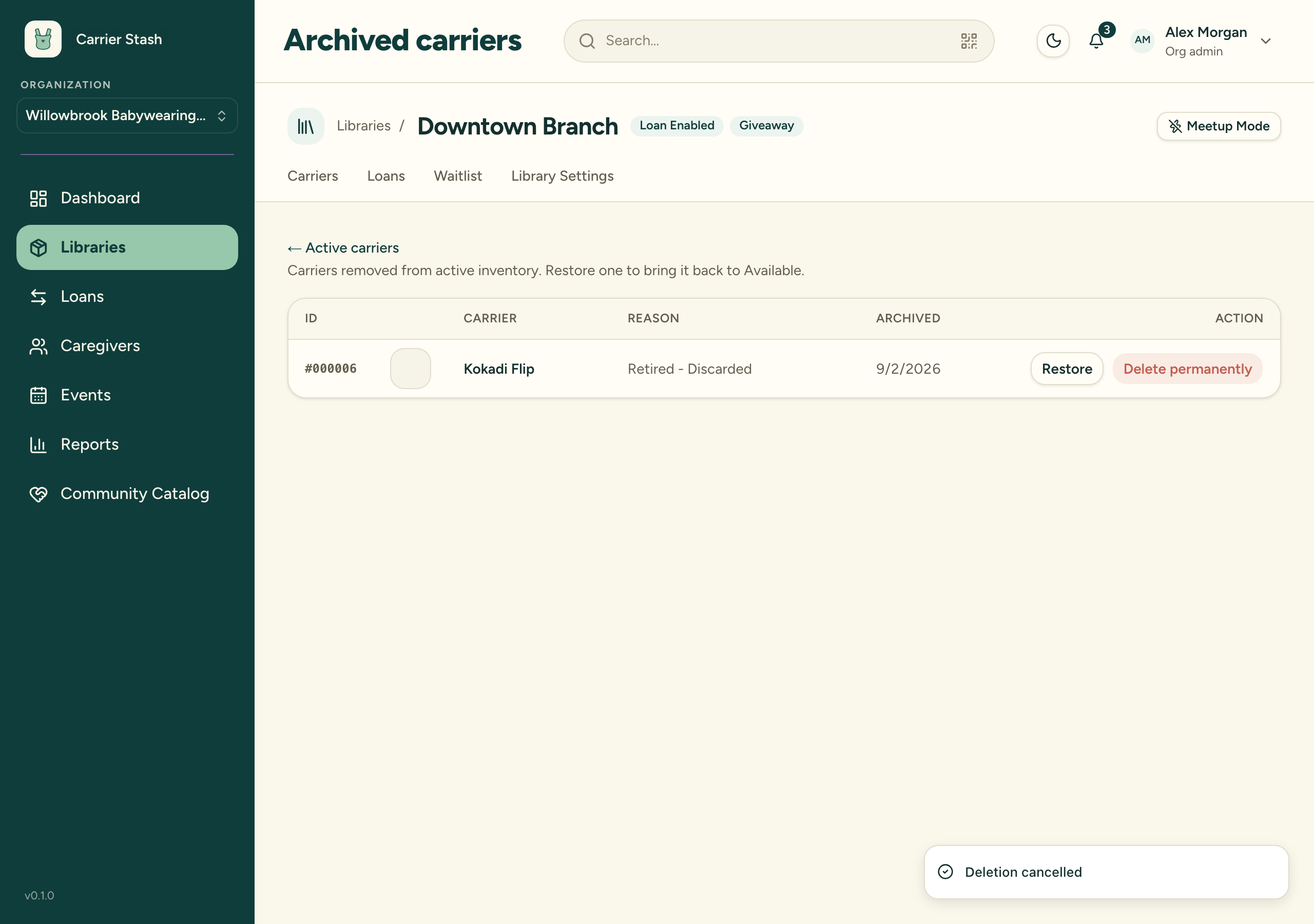
Choose Archive to remove a carrier from active inventory — for example, when it’s retired. Pick an archive reason; only reasons valid for the carrier’s current status are offered. Archived carriers move to the Archived view and can be restored later, subject to your plan’s carrier limit. Archiving a carrier as Lost or Overdue while it’s on loan also closes the open loan as ended without return.
Which transitions are allowed
- Available → can be reserved, set Out for Repair, checked out, or archived.
- Out for Repair → can be marked Available or archived.
- Reserved → the reservation can be cancelled (returning it to Available) or fulfilled by check-out.
- On loan → cleared by check-in; can also be archived as Lost or Overdue.
- Archived → can be restored to Available if you’re under your carrier limit.
Only active (non-archived) carriers count toward your tier’s carrier limit, so archiving frees a slot and restoring uses one.
Beyond archiving
- Archiving is reversible. An archived carrier can be restored to Available at any time, subject to your plan’s carrier limit.
- Give a carrier away records who received it and archives the carrier as Retired – Given Away in one step — see Give a carrier away.
- Permanently delete an archived carrier starts a 24-hour countdown before the record is removed for good; the deletion can be cancelled during that window — see Permanently delete a carrier.
The Archive dialog offers only the reasons valid for the carrier’s current status, drawn from the five archive reasons: Retired – Discarded, Retired – Given Away, Lost, Overdue – Considered Lost, and Sold. Retired – Given Away never appears in the Archive dialog — it’s set only through the Give Away action.