Manage your subscription
View your current plan, see your usage against your tier’s limits, and update your billing details. Your subscription is managed by the Org Admin.
Steps
1. Open the Subscription page
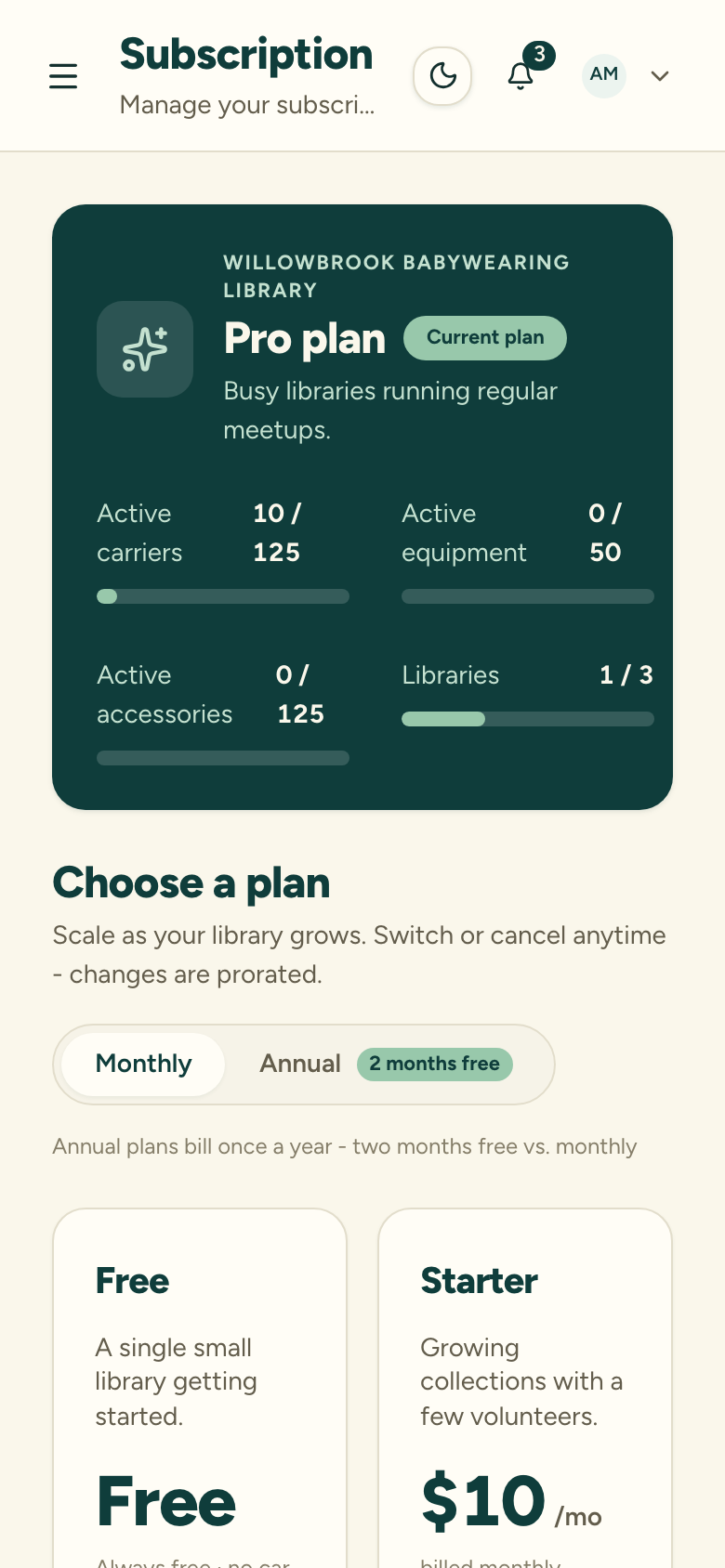
As an Org Admin, go to your organization’s Subscription page. You’ll see your current tier, its carrier and library limits, and your usage against them.
2. Review your plan and usage
The page shows your active carrier count and library count next to your tier’s caps, so you can see how much room you have left before you’d need to upgrade.
3. Update billing details
Use the Manage action to open the Stripe (our payment processor) customer portal, where you can update your payment method, view invoices, and change your billing cycle.
Changing your plan
To move to a different tier, see Upgrade or downgrade. Upgrades take effect right away; downgrades that leave you over a limit put the affected areas into soft lock — see What happens at a limit.