Record a fit check
Log that a caregiver received a fit check (also called a safety fitting or carrier orientation), so your library has a record of the instruction it provided. Fit checks are attached to the caregiver’s record, and a caregiver can collect several over time as they try different carrier types. Any assigned User (volunteer), Library Owner, or Org Admin can record a fit check.
Fit checks are advisory. They are recorded separately from waiver attestations, and recording one is never required to check out a carrier — nothing in the check-out flow is blocked by a missing fit check. Your library may require fit checks as its own policy, enforced by people, not by the software.
You record a fit check from the caregiver’s detail page, in the Safety fittings section.
Steps
1. Open the caregiver
Go to the caregiver’s detail page and find the Safety fittings section.
2. Choose Record fitting
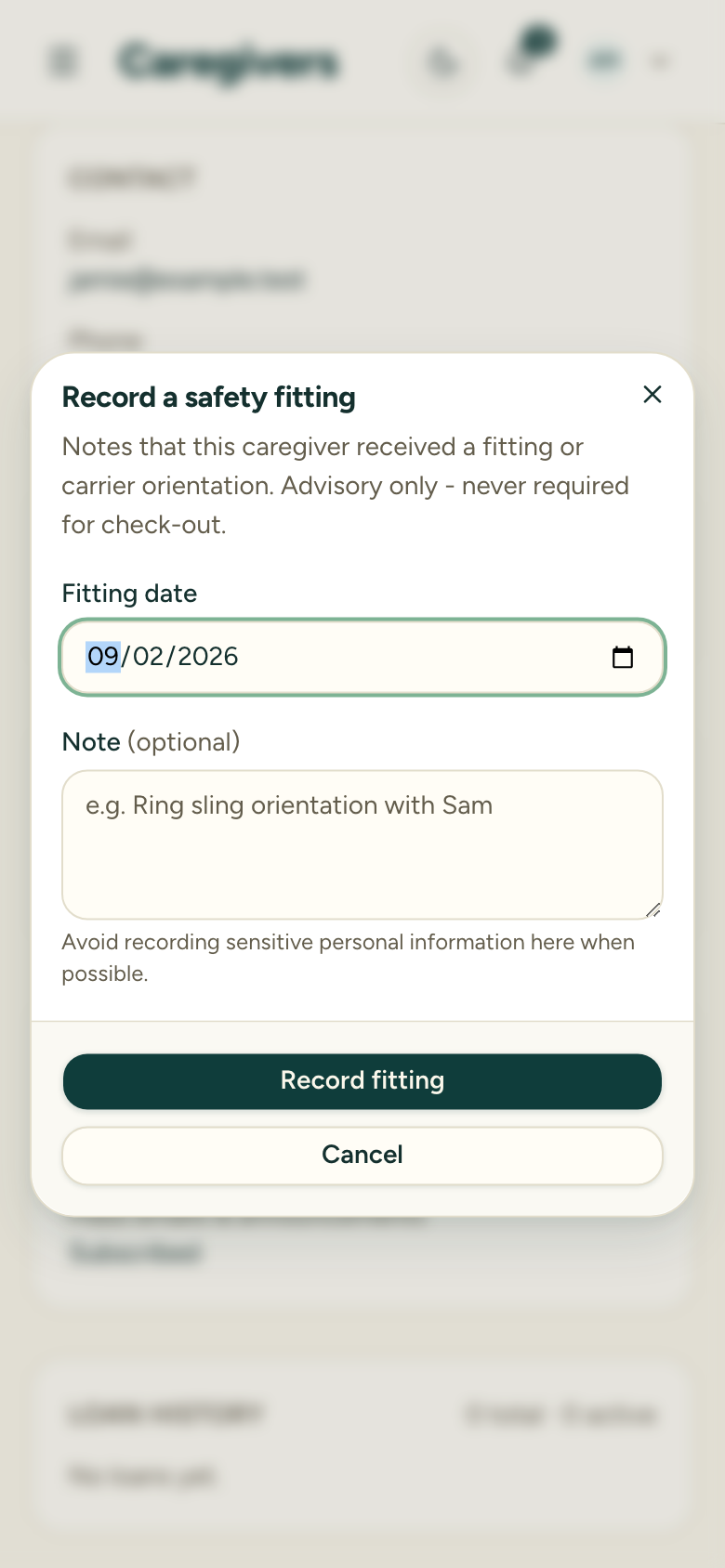
Select Record fitting to open the Record a fit check dialog.
3. Set the fitting date
The date defaults to today. Change it if you’re logging a fit check that happened earlier.
4. Add a note (optional)
Note what was covered — typically the carrier type or specific carrier tried, and who conducted the fit check (for example, “Ring sling orientation with Sam”). A reminder asks you to avoid recording sensitive personal information here.
5. Save
Choose Record fitting to save. The fit check is added to the caregiver’s list, showing the date, your note, and who recorded it.
After recording
The fit check appears in the caregiver’s Safety fittings history with its date and note. Fit checks are retained even if the caregiver is later anonymized. Because they’re advisory, they don’t set any flag and they don’t change what the caregiver can borrow.
Recording a fit check requires write access to the library. In Meetup Mode you can record one inline without leaving the check-out flow — it’s the same record, just reached faster.